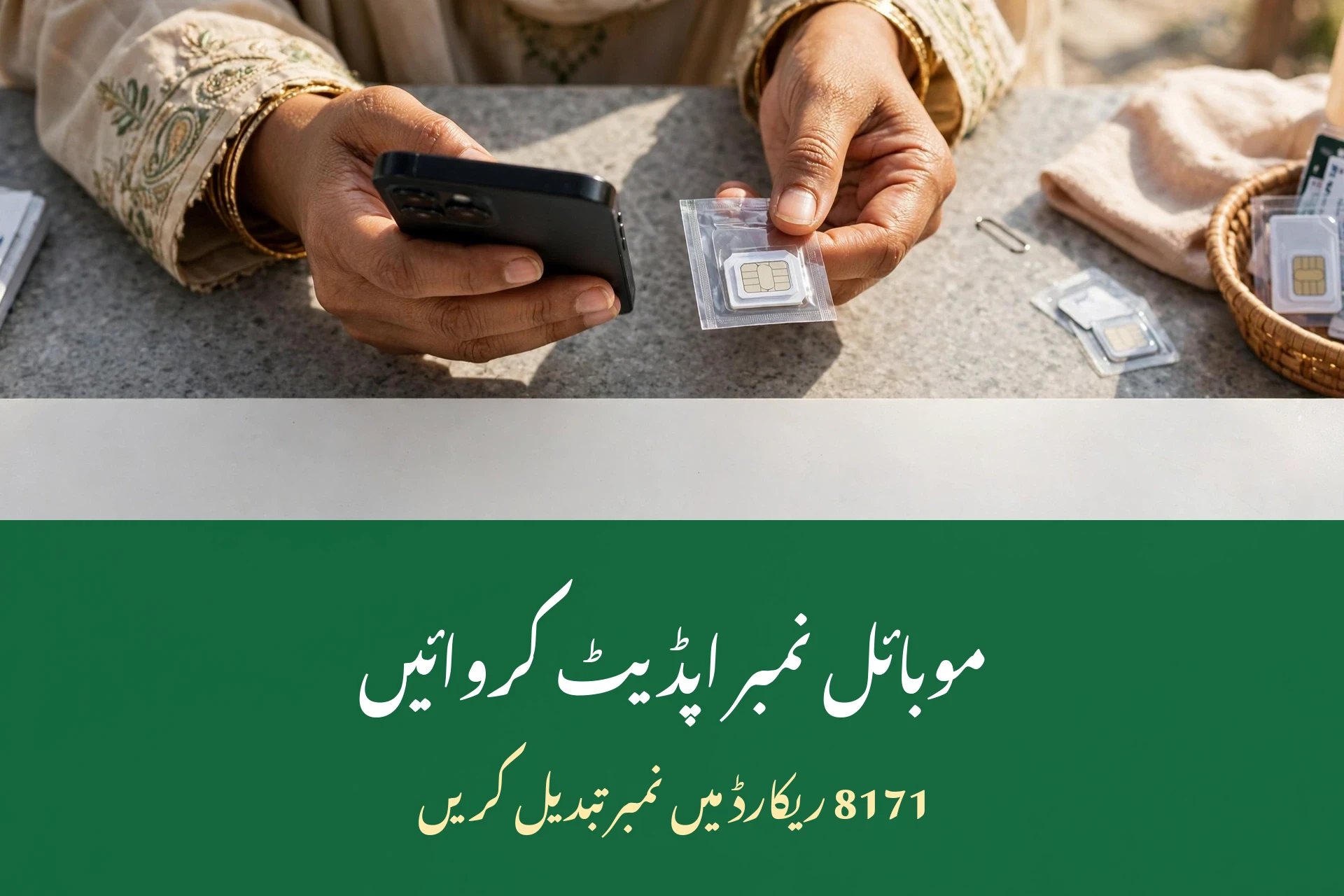
BISP reaches you through the mobile number registered in its record – payment alerts, survey messages, and verification codes all go to that number. If your SIM has changed or you lost your old number, you must update your mobile number in your BISP record at a BISP office. Otherwise, those messages will never reach you, leaving you blind to your own installment.
Quick Overview
| Detail | Information |
|---|---|
| Where to update | BISP tehsil office, in person |
| Online update | Not available – office visit required |
| Documents needed | Original CNIC, new SIM in your own name |
| Cost | Free |
| Time needed | Usually under an hour if you arrive early |
| Activation | Usually the same day, on confirmation SMS |
| Current installment, Oct-Dec 2026 | Rs. 14,500 per quarter |
| Installment from Jan 2027 | Rs. 18,000 per quarter |
| Helpline | 0800-26477 (toll-free) |
Why the registered number matters
Your registered number is BISP’s only line to you. Three kinds of messages depend on it:
- Payment alerts. BISP sends an SMS when your quarterly installment is released. Without the right number, you may never know your Rs. 14,500 is ready.
- Survey and verification messages. Reminders about the dynamic survey and re-verification go to this number. Missing them can delay your record.
- Helpline verification. When you call the BISP 8171 helpline number, the agent verifies you against this number.
An outdated number leaves you blind – you may miss your payment entirely without ever knowing it was released. Worse, if your old number is given to someone else, your payment alerts could go to a stranger. Updating promptly protects both your money and your privacy.
Can you update it online?
No. As of 2026, there is no self-service option on the 8171 web portal to change your registered number – an office visit is required. The portal can show your status, but it cannot edit your record. Anyone offering to update it online for a fee is running a scam. Do not share your CNIC photo or pay anyone who makes this promise, whether they contact you by phone, WhatsApp, or a website.
This is also why the new SIM rule matters so much in 2026. BISP now pays through digital wallets linked to your CNIC and a SIM in your own name. If the number on your record belongs to someone else, or the SIM is not in your name, wallet activation can fail and your payment can be blocked. Updating your number and making sure the SIM is in your own name are two halves of the same job.
How to update your mobile number: the office visit
Follow these steps in order:

- Get a SIM in your own name first. Visit your network’s franchise with your original CNIC and complete biometric verification. The SIM must be registered in the beneficiary’s name – a husband’s, son’s, or relative’s SIM will be rejected at the BISP counter.
- Go to your nearest BISP tehsil office. Go to the office of the tehsil where you are registered, and arrive early – before 10 AM is best – to beat the queues.
- Carry your documents. Take your original CNIC and your new, active SIM in your phone. If your CNIC is expired, renew it at NADRA first, or the office cannot process your request.
- Ask clearly at the counter. Say: “I want to update the mobile number in my BISP record.” Hand over your CNIC and show the new SIM.
- Complete biometric verification. Place your thumb on the scanner so the office can confirm you are the beneficiary.
- Wait for the confirmation SMS on your new number before leaving the office. That message is your proof that the update worked. The whole process usually takes under an hour if you arrive early.
Documents to carry
| Document | Why it is needed |
|---|---|
| Original CNIC | Proves your identity at the counter |
| New SIM, active and in your own name | The number being added to your record |
| Phone with the new SIM inside | Receives the confirmation SMS on the spot |
| Children’s B-Forms (only if the visit also concerns their records) | Links family record changes to the same visit |
| Renewed CNIC (if your old one expired) | An expired CNIC blocks the update – renew at NADRA first |
After the update
Once your update request is processed, do these three things before you leave the office area:
- Send your CNIC number by SMS to 8171 from your new number to confirm it works and that BISP replies to it.
- Keep your old SIM for a few weeks in case any pending message still goes there.
- Save the helpline number 0800-26477 in your new phone, so you have it when you need it.
If the confirmation SMS does not arrive within the day, call the helpline from your new number and ask whether the update is reflected. Do not assume it worked – an unconfirmed update is the same as no update when your next installment is released.
How to check which number is on your record
Before you visit the office, it helps to know what BISP currently has. There is no portal screen that displays your registered number in full, but you can figure it out indirectly. Think about which SIM received your last payment alert or survey message from 8171 – that is almost certainly the registered one. If no SIM in the house has received a BISP message in months, your record may hold an old disconnected number, and the office visit becomes even more important.
Do not trust anyone who claims they can “look up” your registered number online for a fee. Only BISP staff at an office counter can see and change it. Any website or person offering a paid lookup is after your CNIC details or your money.

Common problems
| Problem | Fix |
|---|---|
| New SIM is not in your name | Get a SIM registered in the beneficiary’s name first – a family member’s SIM is rejected |
| You lost your old number | No problem – biometric verification replaces the old number with the new one |
| Sending someone else instead of the beneficiary | The beneficiary must generally visit in person for biometric verification |
| CNIC expired | Renew it at NADRA first; the office cannot process the update otherwise |
| No confirmation SMS after the visit | Call 0800-26477 from the new number and ask whether the update is reflected |
| Old number still receiving messages | Keep the old SIM for a few weeks; if messages continue after that, revisit the office with both SIMs |
Keeping the new number active afterward
Updating your mobile number in the BISP record is only half the job – keeping that SIM alive is the other half. In Pakistan, SIMs registered on a CNIC get blocked after long periods of inactivity, and a blocked SIM means missed payment alerts all over again.
Two habits prevent this:
- Use the SIM regularly. Even one call or SMS a month keeps it active on the network.
- Keep it re-verified. If your network asks for biometric re-verification, do it promptly. A SIM blocked by the network is as useless as a wrong number on your BISP record.
If your number does get blocked and the SIM is lost for good, you will need to get a replacement SIM on the same number (from your network’s service center with your CNIC) or repeat the BISP office visit with a new number. The replacement-SIM route is faster, so guard that SIM once it is registered.
Fraud warning
Every step of this process is free. Nobody at BISP charges for a number update, a SIM, or a confirmation SMS. If anyone – at the office gate, by phone, or online – asks you for money to update your number, refuse and report them on 0800-26477. Also beware of “agents” who offer to take your CNIC and new SIM to the office for you: your biometric verification cannot be done by someone else, and handing over your SIM and CNIC is exactly how identity fraud starts. Read the 8171 fraud alert guide for the full list of scams.
Tips for a smooth update
- Do the SIM step a day before the office visit, so the SIM is active and tested.
- Arrive before 10 AM and avoid the first week after an installment release, when offices are crowded.
- Test the new SIM with a call before you go, so you know it works.
- Write down your new number and keep it with your CNIC until the confirmation SMS arrives.
- After the update, check your status once by SMS to 8171 from the new number.
Frequently asked questions
Is there a fee for updating my number?
No. The update is completely free at the BISP tehsil office. Anyone asking for a fee – at the office, by phone, or online – is running a scam and should be reported on 0800-26477. The same free rule covers the SIM step at the franchise and the counter visit itself.
How soon is the new number active?
Usually the same day, once you receive the confirmation SMS on your new number. If no SMS arrives within the day, call the helpline from the new number to confirm the update went through. Test it at once with an SMS to 8171, so any problem shows up while you are still near the office.
Can I update my mobile number more than once?
Yes. Repeat the same office visit if your number changes again. There is no limit stated on updates, but each change needs the beneficiary’s in-person biometric verification at the tehsil office. Each new number needs the same visit, so keep your SIM safe once it is registered.
Can I update my number online or through the 8171 portal?
No. As of 2026, there is no self-service option on the portal to change your registered number. An office visit is required, and anyone offering an online update for a fee is a scammer. The portal shows your status, but it cannot change the number on your record.

Does the new SIM have to be in my own name?
Yes. The SIM must be registered in the beneficiary’s name on her own CNIC. A SIM in a husband’s, son’s, or relative’s name will be rejected, and it can also block wallet activation and payments. This rule also protects your wallet, which is opened on your CNIC and your own SIM.

What if my CNIC is expired?
Renew it at NADRA first. An expired CNIC blocks the update, because the office cannot verify your identity or complete biometric verification until your CNIC is current. NADRA renewal comes first, because no counter process can run on an expired card.
Can a family member update my number for me?
Generally no. The beneficiary must visit in person, because biometric verification is part of the process. A family member can accompany you and help with the journey, but the thumbprint must be yours. They may travel with you and help, but the thumbprint at the counter must be yours.
How do I know which number BISP currently has for me?
There is no portal screen showing your full registered number. The SIM that received your last 8171 payment alert or survey message is almost certainly the registered one. Only BISP office staff can see and change it. If no SIM has received a message in months, treat the office visit as urgent.
What happens if my new SIM gets blocked later?
Use the SIM regularly and complete any biometric re-verification your network asks for. If it is blocked and lost, get a replacement SIM on the same number from your network’s service center with your CNIC, or repeat the BISP office visit with a new number.
Conclusion
Your registered mobile number is how BISP reaches you – payment alerts, survey reminders, and verification all depend on it. There is no online shortcut: get a SIM in your own name, visit your tehsil office with your original CNIC, complete biometric verification, and wait for the confirmation SMS. Keep the SIM active afterward, and never pay anyone for any part of this process. One careful visit now prevents a missed Rs. 14,500 installment later.
Sources
- BISP official website: bisp.gov.pk
- BISP 8171 web portal: 8171.bisp.gov.pk
- BISP helpline: 0800-26477 (toll-free)
Disclaimer
This guide is for information only and is not affiliated with BISP. Procedures and deadlines change over time; always confirm your own status through 8171 SMS, the official portal, or the helpline before acting. Anything not officially published is marked “Not officially announced” in this article.


3 thoughts on “Update Mobile Number in BISP 8171 Record 2026”