If your BISP wallet inactive account error is stopping your payment, this guide explains why it happens and exactly what to do next. It covers inactive, blocked, and error states on the BISP Social Protection Wallet, step by step, in simple words. This guide is about fixing the wallet itself. It does not explain how to send money to another account. For transfers, see the separate wallet transfer guide linked below.
Quick Overview
| Detail | Information |
| Program | Benazir Income Support Programme (BISP), Kafaalat |
| Topic | BISP wallet inactive, blocked, or error account fix |
| Current payment | Rs. 14,500 per quarter, October–December 2026 |
| Next announced amount | Rs. 18,000 from January 2027 |
| Check method | SMS your CNIC to 8171, or visit 8171.bisp.gov.pk |
| Wallet / SIM deadline | December 31, 2026 |
| Cash withdrawal charge | Rs. 280 from an active wallet; RAAST transfers are free |
| Helpline | 0800-26477 (toll-free) |
| Cost of fixing | Free |
Latest Update
BISP now pays Kafaalat money through the Social Protection Wallet, linked to the beneficiary’s own SIM. Free SIMs were given in 2026 so payments could reach women directly and safely.
That change removes long queues and middlemen. But a small record problem can now block a payment. If the SIM is not in your own name, your CNIC has expired, your fingerprint does not match, or your survey record is out of date, the wallet can show inactive, blocked, or error.
Your money is not lost just because the screen shows an error. In most cases, it stays linked to your record until the problem is fixed. The fix is usually an office visit with the right documents, not a payment to any agent. No new amount or deadline has been officially announced beyond the table above.
Who This Guide Is For
This guide is for a Kafaalat beneficiary whose wallet shows inactive, blocked, error, or “verification required” when she checks or withdraws her payment.
Your wallet normally stays active when four things are correct at the same time: you are an eligible Kafaalat beneficiary with a completed survey record; your CNIC is valid and matches NADRA records; your SIM is registered in your own name, not a family member’s; and your biometric verification succeeds.
If any one breaks, the wallet can stop working. The rest of this guide helps you find which one broke, and fix only that part.

Payment Amount and Benefits
| Quarter | Amount | Status |
| October–December 2026 | Rs. 14,500 | Current quarterly Kafaalat payment |
| From January 2027 | Rs. 18,000 | Announced next amount |
These amounts come from the federal budget announcement for BISP. If anyone quotes a different amount for this quarter, treat it as unconfirmed and check it on 8171 first. Once your wallet is active, you can withdraw cash for a Rs. 280 charge, or move money through RAAST free of charge.
Important Dates
| Event | Date / Status |
| Current quarter | October–December 2026 |
| Free SIM and wallet completion deadline | December 31, 2026 |
| Next payment amount starts | January 2027 (Rs. 18,000) |
| Wallet re-activation time | Not officially announced |
Trust dates only from bisp.gov.pk, the 8171 portal, and SMS from 8171.
How to Check Your Wallet Status First
Do not guess the cause. Check first, so you fix the right problem.
- Send your 13-digit CNIC number, without dashes, by SMS to 8171.
- Note the exact reply words: inactive, blocked, under verification, or payment released.
- Check the same CNIC on the official portal at 8171.bisp.gov.pk.
- Make sure the phone is switched on, the SIM is in the phone, and a simple call works.
- Write down the exact error message and date, and show this note at the office.
If the reply says your payment is released but the wallet still shows an error, do not keep retrying at an ATM. Repeated failed attempts do not fix the record. Go to the office step below instead.

Required Documents
Take these to the BISP Tehsil Office or campsite. Originals are required; photocopies alone are usually not enough.
- Original valid CNIC of the beneficiary
- Mobile phone with SIM in your own name
- Children’s B-Forms, if available
- Old BISP card or slip, if you have one
- Death certificate of husband, for widows, if the record asks for it
- SMS or slip showing the error, if any
If your CNIC has expired, renew it at NADRA first. BISP cannot activate a wallet on an expired CNIC, because the biometric check runs against NADRA records.
How to Fix an Inactive, Blocked, or Error Wallet: Step by Step
Stage 1: Find the exact cause
Match your message to the problems table below. A SIM, CNIC, and survey problem can all look similar on screen, but each has a different fix. If unsure, call 0800-26477 and describe the exact message before travelling.

Stage 2: Fix the SIM problem
If the SIM is not in your own name, get one registered in your own name and keep it active in your phone. If you collected a free Benazir SIM, use that SIM for the wallet, not a family member’s. After a SIM change, update your record at the BISP office so the wallet links to the correct number. See the Benazir SIM 2026 guide.
Stage 3: Fix the CNIC and biometric problem
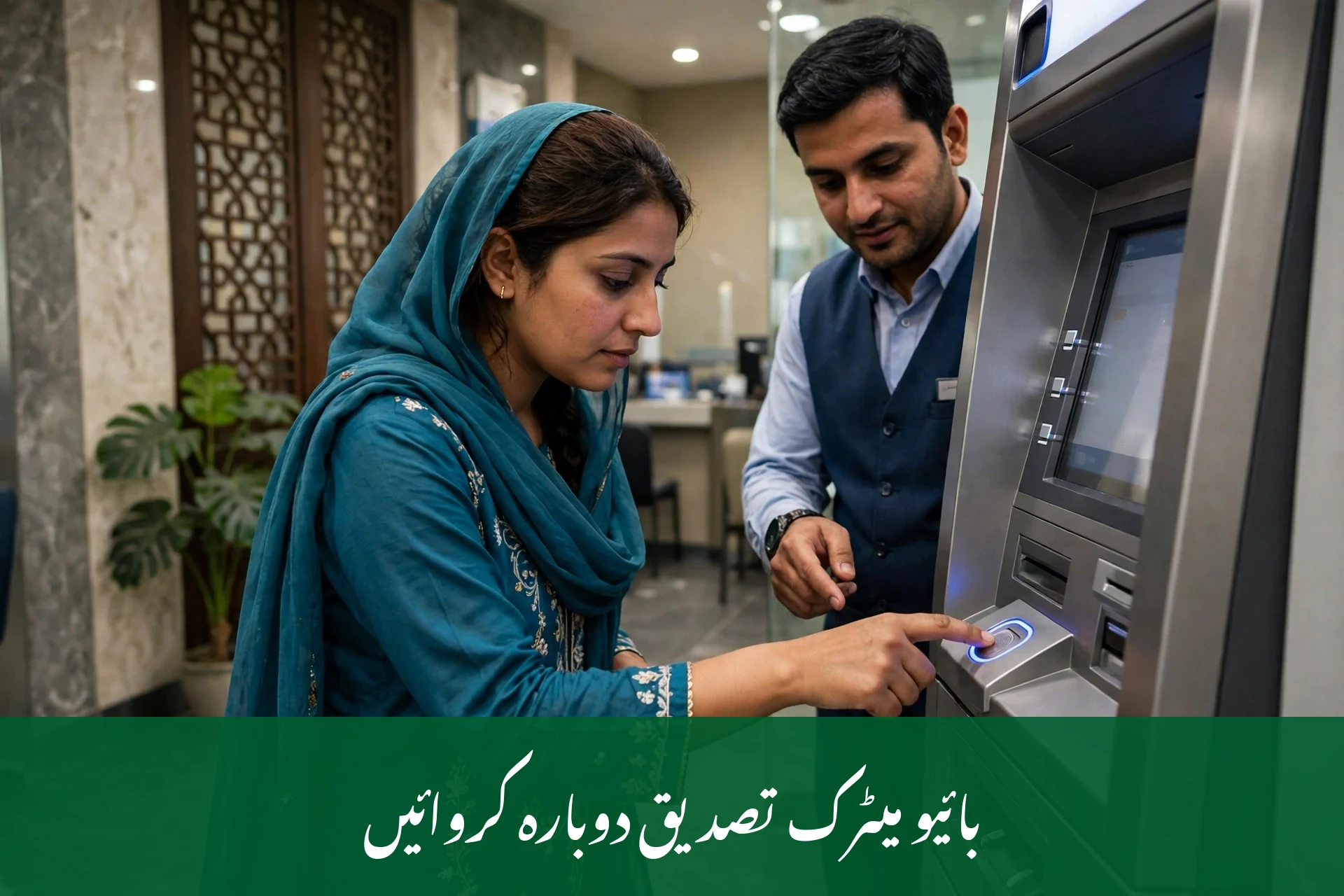
If your CNIC has expired, renew it at NADRA, then update your record at the BISP office. If your fingerprint fails, keep your hands clean and dry and try again calmly. If it keeps failing, the office can check your NADRA biometric record. See the BISP fingerprint verification failed fix guide.
Stage 4: Visit the BISP Tehsil Office for re-verification
If the SIM and CNIC are correct but the wallet is still inactive or blocked, visit your nearest BISP Tehsil Office. Ask staff to check your wallet status and complete re-verification. You may be asked to complete or update your dynamic survey if your household record is old. Give correct details; wrong details can cause a longer block. Keep the confirmation slip or SMS safe. See the BISP Tehsil Office guide.
Stage 5: Recheck and collect
After the office visit, wait for a confirmation SMS from 8171, then recheck by sending your CNIC to 8171. When the reply shows the wallet active and the payment released, withdraw from an authorised ATM, bank agent, or campsite. Count the money at the counter and take the receipt. If the error remains, call the helpline with your slip details. If money was wrongly deducted, read the BISP complaint registration guide.

Common Problems and Fixes
| Problem you see | Real cause | Exact fix |
| Wallet inactive | SIM not in your own name or not linked | Get a SIM in your own name, then update it at the office |
| Wallet inactive | SIM collected but never used | Use the SIM in your phone, make a call, then recheck on 8171 |
| Wallet blocked | CNIC expired | Renew at NADRA, then update your BISP record |
| Wallet blocked | Biometric fingerprint mismatch | Retry with clean, dry hands; if it keeps failing, visit the BISP office to check your NADRA record |
| Error on withdrawal | Payment not yet released for your district phase | Recheck on 8171 and wait for your phase SMS |
| Error on withdrawal | Wallet linked to an old or wrong number | Update your number at the BISP office; see the mobile number update guide |
| Under verification | Survey record old or incomplete | Update the dynamic survey at the Tehsil Office; see the under verification status guide |
| No SMS reply from 8171 | Wrong CNIC format | Send the 13-digit CNIC without dashes to 8171 only; see the 8171 SMS reply meanings guide |
| Money deducted but not received | Agent or machine error | Keep the receipt, note the time and place, and complain on 0800-26477 |
Biometric Verification Checklist
| Check | What to do |
| CNIC valid | Renew at NADRA before your BISP visit |
| Hands clean and dry | Wash and dry hands; avoid oil or henna on the thumb |
| Correct person present | The beneficiary herself must give it, not a family member |
| SIM in own name | SIM must match the beneficiary’s CNIC |
| Still failing | Ask the office to check your NADRA record |
Never pay anyone to “pass” your fingerprint check. It is fraud.
Fraud Warning
BISP sends SMS only from 8171. Any message from another number about your wallet, payment, or SIM is fake, even with the BISP name or logo.
Everything in BISP is free: registration, SIM collection, wallet activation, re-verification, and complaints. Never pay an agent to activate your wallet. Never share your PIN, OTP, or CNIC photo outside a government office. A real officer will never ask for your PIN or OTP on a call.
If you get a fake SMS or call, do not reply or click any link in it. Report it on 0800-26477. See the 8171 fraud alert guide for examples.
Tips for Beneficiaries
- Keep your wallet SIM in your own name and phone. Do not lend it to anyone.
- Use the SIM regularly so it stays active, and keep the phone charged.
- Renew your CNIC before it expires, not after your payment stops.
- Check your status on 8171 before travelling to a campsite or ATM.
- Keep every slip, receipt, and SMS until the payment is in your hand.
- Change only one thing at a time and recheck, so you know what helped.

Frequently Asked Questions
1. What does a BISP wallet inactive message mean?
It means your digital wallet is not currently linked or ready to receive payment. The usual causes are a SIM not in your own name, an expired CNIC, a failed biometric check, or an old survey record. Check your status on 8171 first, then fix the exact cause at the BISP office.

2. Is my payment lost if my wallet shows blocked or error?
No, a blocked or error message does not by itself mean your money is gone. The payment normally stays linked to your beneficiary record while the problem is fixed. Once the wallet is active again and the payment is released, you can withdraw it through an authorised channel with your receipt kept safe.
3. How do I activate an inactive BISP wallet?
First, confirm the cause on 8171. Make sure your SIM is in your own name and your CNIC is valid. Then visit the BISP Tehsil Office with your original CNIC and phone, and ask staff to check and activate the wallet. Keep the confirmation slip or SMS they give you afterwards.
4. Why is my wallet inactive even though I have a SIM?
A SIM alone is not enough. It must be registered in your own name and linked to your BISP record. If the SIM belongs to a family member, or the office record still shows an old number, the wallet cannot activate. Update the number at the BISP office and recheck on 8171.
5. What should I do if my fingerprint verification keeps failing?
Keep your hands clean and dry and try again calmly at the ATM or office. If it keeps failing, your NADRA biometric record may need updating, or your CNIC may have expired. Visit NADRA first if needed, then the BISP office, and never pay anyone to pass the check for you.

6. How long does it take to fix a blocked BISP wallet?
The time is not officially announced and varies by case. A SIM or number update can be quick, while a CNIC renewal or survey update takes longer because it depends on NADRA and the office visit. Recheck on 8171 after your visit and call 0800-26477 if the error remains.
7. Can I withdraw my payment without an active wallet?
No, the current system pays through the wallet, so the wallet must be active before withdrawal. If you go to an ATM or agent with an inactive wallet, the transaction will fail. Fix the wallet first at the BISP office, then withdraw once 8171 confirms the payment is released.
8. Does it cost anything to fix a wallet error?
No, wallet activation, re-verification, and complaint registration are completely free. The only standard charge is the Rs. 280 cash-withdrawal fee from an active wallet, while RAAST transfers are free. Anyone asking for a fee to fix your wallet is committing fraud; report them on 0800-26477.
9. What if my wallet is still inactive after visiting the office?
Recheck on 8171 and keep your visit slip safe. Call the helpline on 0800-26477 with your CNIC, the exact error message, and your slip details. If money was deducted wrongly, file a formal complaint. Do not pay any agent who promises a faster fix outside the office.
Conclusion
A BISP wallet inactive account error is worrying, but usually fixable. Check the exact message on 8171, fix the SIM, CNIC, or survey record behind it, and visit the Tehsil Office for re-verification if needed. Keep your SIM in your own name, never pay an agent, and never share your PIN or OTP. Collect your Rs. 14,500 payment safely before the December 31, 2026 wallet deadline.
Disclaimer
This guide is based on official BISP announcements available at the time of writing. Rules, dates, and amounts may change. Verify your status on 8171, at 8171.bisp.gov.pk, or on 0800-26477 before acting.
Sources
- Benazir Income Support Programme (bisp.gov.pk) — Social Protection Wallet and free SIM rollout
- 8171 Web Portal (8171.bisp.gov.pk) — beneficiary status check
- BISP Helpline 0800-26477 — beneficiary support and complaints
- State Bank of Pakistan — wallet and RAAST guidance
- Federal budget announcement — Kafaalat Rs. 14,500 now, Rs. 18,000 from January 2027

