
Introduction
The BISP wallet SIM activation deadline is 31 December 2026. By that date, BISP beneficiary accounts are scheduled to be fully digital, with payments running through the Social Protection Wallet. This guide gives a simple pre-deadline checklist, explains what changes after the deadline, and covers what to do if something is still pending. Do not wait for December’s last week — check your status today on the 8171 portal.
Quick Overview
| Item | Detail |
| Program | Benazir Kafaalat (BISP) |
| Benefit / Payment Amount | Rs. 14,500 per quarter (October–December 2026) |
| Next Amount | Rs. 18,000 from January 2027 |
| Payment Cycle | Quarterly |
| Who Gets It | Eligible women beneficiaries with a valid CNIC |
| Check Method | SMS CNIC to 8171 or portal 8171.bisp.gov.pk |
| Deadline | 31 December 2026 — wallet and SIM activation |
| Helpline | 0800-26477 (toll-free) |
| Collect / Activate Mode | BISP Tehsil Office, Dynamic Registry Centre, or designated campsite |
Latest Update: What the 31 December 2026 Date Really Means
The date comes from the digitalisation roadmap shared with the National Assembly Standing Committee on Poverty Alleviation and Social Safety. The State Bank told the committee that complete digitalisation and mandatory online functionality of BISP accounts is scheduled for 31 December 2026.
This is the date by which the shift to digital wallets is meant to be complete, with payments running through the wallet system rather than the old cash-based routes. Press reports also advised eligible women to collect free SIMs from the nearest BISP office or campsite by 31 December.
Do not mix up two things. The deadline is about activation — having your SIM and wallet working in your own name. BISP has not officially announced that late activation permanently cancels an eligible payment, but an inactive wallet can delay your payment and force an office visit. Finish activation before the deadline.
Who Must Act Before the Deadline
Act before 31 December 2026 if any of these apply to you:
- You have not received or activated the free BISP SIM.
- You received a SIM but never completed biometric verification.
- Your wallet is inactive, or you never received a payment through it.
- Your SIM is not registered in your own name.
- Your CNIC expired, or your BISP record holds an old or changed number.
- You are a new beneficiary under verification, told to complete wallet steps.
If your wallet is already active and your last payment arrived through it, just re-check your status once before December ends.
Eligibility Criteria
The deadline does not change who qualifies — only how an eligible beneficiary receives her payment. You must be a registered Benazir Kafaalat beneficiary with a complete NSER record, an eligible PMT score, a valid 13-digit CNIC, a SIM in your own name, and successful biometric verification.
Biometric Verification Checklist
| Check | What “done” looks like |
| CNIC validity | CNIC unexpired, matches BISP record |
| SIM ownership | SIM registered against your own CNIC |
| Fingerprint match | Biometric scan succeeds at office or payment point |
| Wallet status | Wallet active, not pending or blocked |
| Mobile number | BISP record holds the number you actually use |
If fingerprints fail repeatedly, go to the Tehsil Office rather than an agent’s shop. See the BISP fingerprint verification failed fix guide.
Payment Amount and Benefits
The deadline does not change the amount — only how smoothly the money reaches you.

| Quarter | Amount | Status |
| October–December 2026 | Rs. 14,500 | Current quarter |
| January–March 2027 | Rs. 18,000 | Announced, starts January 2027 |
The January payment is why the December deadline matters: unready wallets may face delays just as the higher amount begins. See also the BISP Rs. 18,000 January 2027 preparation checklist alongside this guide so both dates are covered.
Wallet Charges You Should Know
One cost is fixed: per the State Bank briefing reported in the press, Rs. 280 applies only to cash withdrawals from the wallet, while online and RAAST transfers remain free. Transferring to your own bank account through RAAST costs nothing; taking cash out carries the Rs. 280 charge. Never let an agent add an extra fee. See the BISP wallet transfer guide for RAAST, JazzCash and Easypaisa.
Important Dates
| Event | Date |
| Digital wallet interoperability — HBL and HBL Microfinance Bank | 16 July 2026 |
| Digital wallet interoperability — Telenor Microfinance Bank | 20 July 2026 |
| All six participating banks complete integration | 31 July 2026 |
| Current quarter (Rs. 14,500) | October–December 2026 |
| Wallet and SIM activation deadline | 31 December 2026 |
| Higher payment (Rs. 18,000) begins | January 2027 |
Pre-Deadline Checklist: What Must Be Done Before 31 December 2026
Work through this list in order, ticking each item only with proof — a message, a receipt, or a successful check.
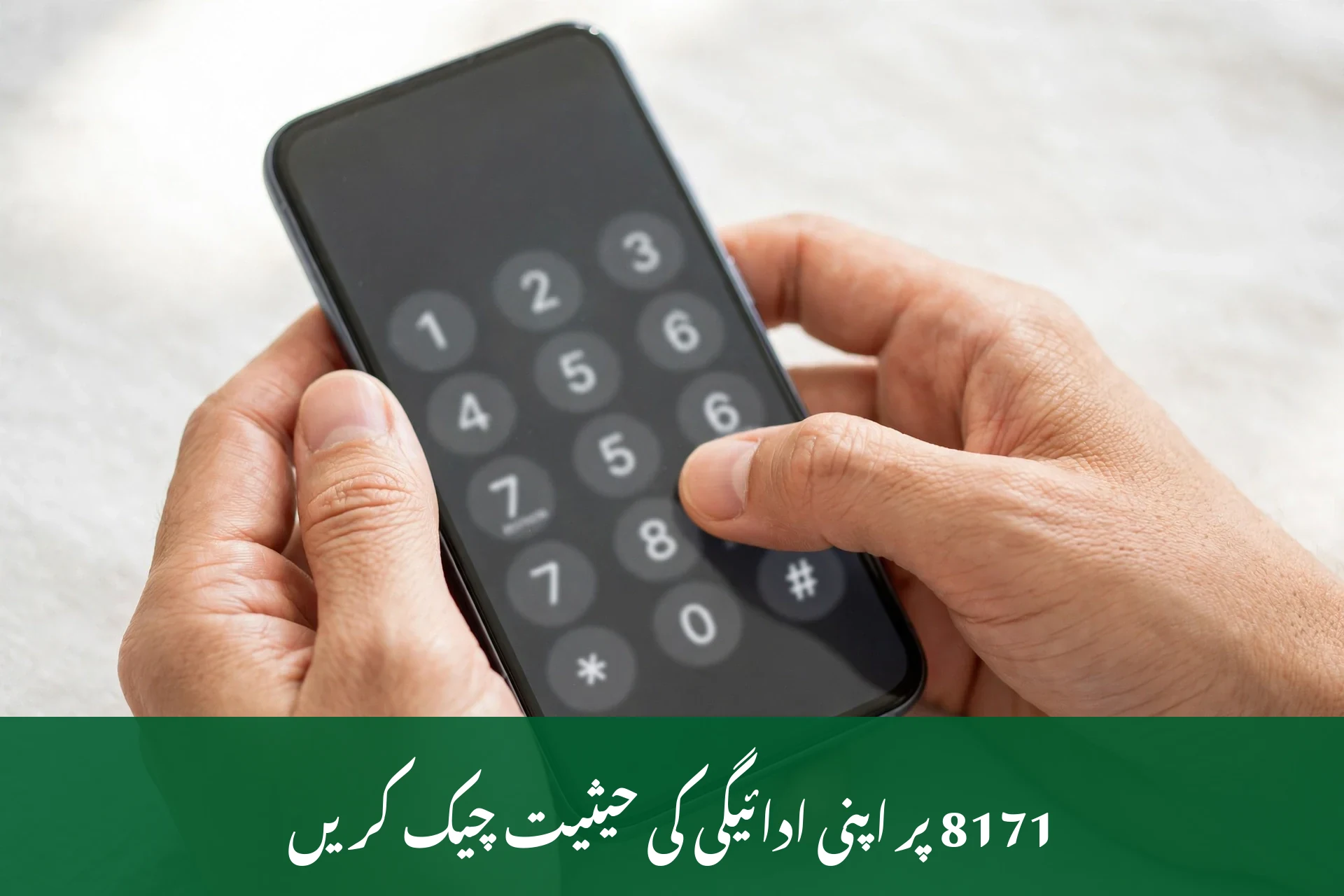
- Check your status. Send your CNIC by SMS to 8171 or check 8171.bisp.gov.pk, and note what the reply says about verification or wallet status.
- Confirm your SIM is in your own name, via your network or a franchise with your CNIC. If it belongs to a family member, fix this before the deadline.
- Collect the free BISP SIM if you have not received it, at your nearest Tehsil Office, Dynamic Registry Centre, or campsite, with your original CNIC and phone. It is free — pay no one.
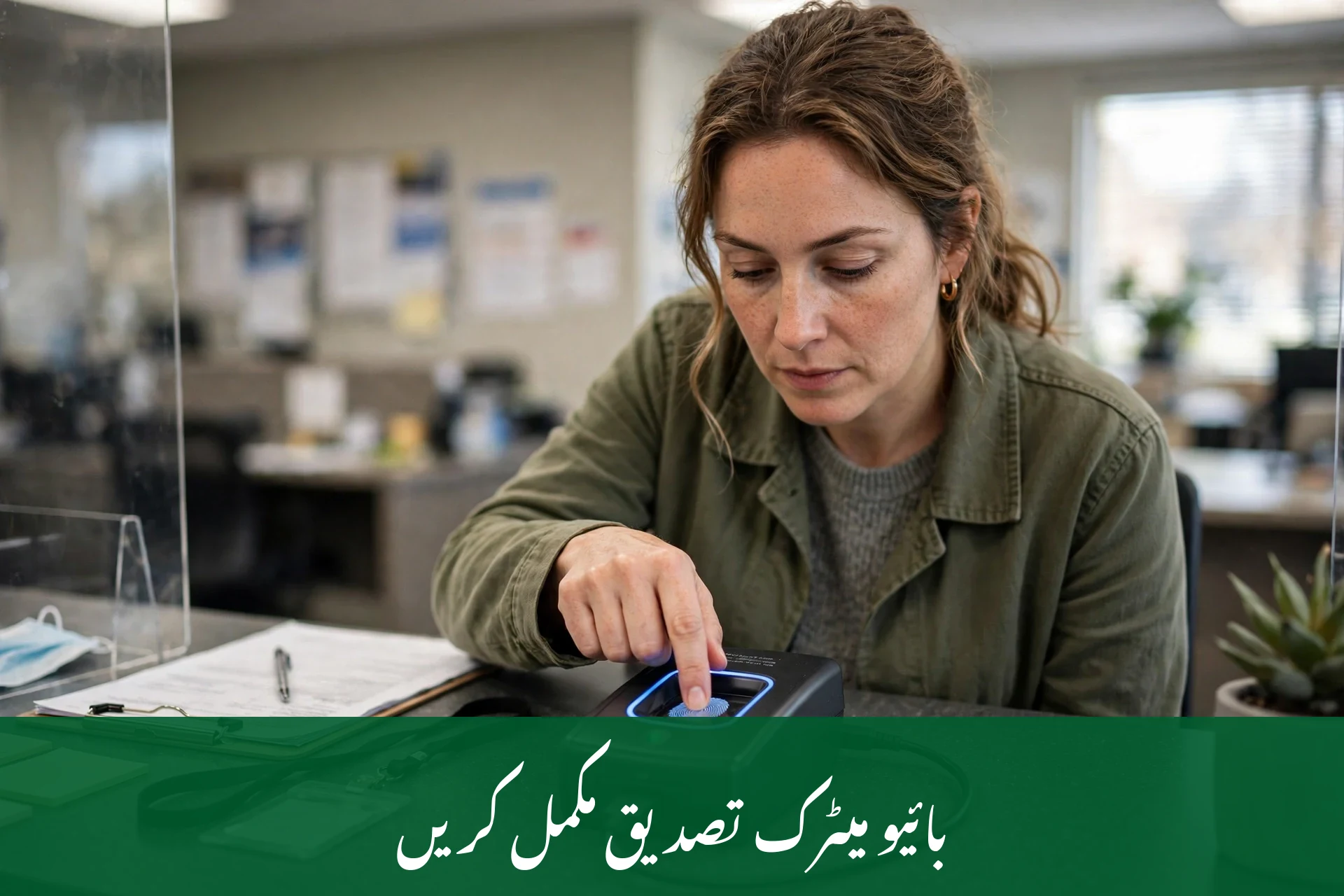
- Complete biometric verification. Give your fingerprints at the office or campsite when the SIM is issued, and ask staff at once if verification fails.
- Confirm the wallet is active, at the office or through your official channel. An issued SIM with an inactive wallet is unfinished work.
- Update your mobile number if it changed, if BISP holds an old, lost, or someone else’s number. See how to update your mobile number in the BISP 8171 record.
- Renew an expired CNIC first. NADRA renewal takes time, and an expired CNIC blocks biometric verification and wallet activation together.
- Test the wallet once active — check your balance or transfer route through the official method before the January payment arrives.
- Save proof: the SIM packet, any receipt, and a note of your 8171 reply. Proof saves weeks of argument in a dispute.
- Do a final check in the last week of December. Re-check on 8171 before 31 December, leaving a few days to visit the office if anything changed.

Required Documents
Take these to the office or campsite; originals are required, and photocopies alone are usually not accepted for biometric work.
- Original valid CNIC
- Your mobile phone
- B-Form of children, if asked for family confirmation
- Old SIM or previous number details, if your number changed
- Husband’s death certificate, for widows updating records
- Disability certificate, if applicable
If unsure whether a document applies, carry it anyway — a trip home for a missing paper is the most common reason people miss deadlines.
Process Stages: From Unactivated to Ready
- Status check — confirm eligibility and any pending verification on 8171.
- Record correction — fix CNIC expiry, mobile number, or survey issues first.
- SIM collection — Receive the free SIM at the office or campsite after biometric verification.
- Wallet activation — BISP staff activate the Social Protection Wallet on that SIM.
- Confirmation — Verify the wallet is active and your record shows the correct number.
- Payment receipt — the quarterly payment arrives through the wallet for withdrawal or transfer.
If stuck at stage 2, do not jump to stage 3 — each stage depends on the one before it. For SIM background, see our Benazir SIM 2026 guide.
What Happens After 31 December 2026
Here is the honest position.
First, what is confirmed: after the digitalisation date, payments run through the wallet system. An inactive wallet means delays, extra office visits, and possibly a missed payment cycle. The January 2027 payment of Rs. 18,000 is the first fully inside this setup — the worst moment for an unready wallet.
Second, what is not officially announced: no BISP notice says late activation permanently cancels an eligible payment, and no fixed grace period or late fee has been published. Any agent claiming an exact cutoff penalty is guessing. If you miss the deadline, visit the Tehsil Office at once, complete activation, and ask in writing about your pending payment. Pay no one who promises to “reopen” your case.
Third, what stays unchanged: eligibility does not disappear on 1 January because of the wallet — it depends on your survey record and PMT score. The wallet is only the payment channel; fix it, and the route is restored. For current-quarter timing, see the BISP Kafaalat December 2026 payment guide.
Common Problems and Fixes
| Problem | Real Cause | Exact Fix |
| SIM not received yet | Late rollout in your area, or incomplete record | Visit the Tehsil Office with original CNIC; ask whether your name is on the distribution list |
| SIM in someone else’s name | Registered under a family member | Get a SIM in your own name and update the BISP record |
| Biometric verification fails | Worn fingerprints, expired CNIC, or record mismatch | Renew CNIC at NADRA if expired, then retry at the office |
| Wallet shows inactive | Activation not completed, or record mismatch | Return to the issuing office and ask staff to confirm activation |
| 8171 reply says “under verification” | Survey or record check still in progress | Keep checking weekly; see the under verification status guide |
| Payment delayed after deadline | Wallet inactive during the payment cycle | Complete activation, then complain if payment still does not arrive |
| Agent demands payment for activation | Fraud | Refuse, note the agent’s details, and report on helpline 0800-26477 |
If a complaint becomes necessary, see the BISP complaint registration guide for how to file it, and the BISP helpline guide for support channels.
Fraud Warning
Fraud rises around every deadline. Remember these rules:
- BISP SMS comes only from 8171; a message from a normal mobile number claiming to be BISP is fake.
- SIM and wallet activation are completely free. Anyone asking for a fee is committing fraud.
- Never share your CNIC photo, wallet PIN, or OTP code with anyone, even self-described agents or officers.
- Never hand your phone or SIM to a stranger for “activation” — only BISP staff at official points activate wallets.
- A message threatening that payment stops today unless you pay is a scam. Real BISP messages never demand money.
Read the full 8171 fraud alert on fake SMS, calls and agents and share it with other beneficiaries. If you are unsure about any message, check its meaning in the 8171 SMS reply meanings guide.

Tips for Beneficiaries
- Go early in the morning to the Tehsil Office; crowds grow sharply in the last two weeks of December.
- Take a literate family member if reading is hard, so the 8171 reply is noted word for word.
- Keep your SIM in your own phone. Shared phones cause missed messages and ownership disputes.
- Use RAAST or online transfer instead of cash withdrawal where possible: transfers are free, cash withdrawal carries the Rs. 280 charge.
- Never let an agent keep your CNIC or SIM “for processing” — your documents stay with you.
- After activation, check your status monthly on 8171. A small record change is easy to fix early, painful late.
Frequently Asked Questions
1. What is the BISP wallet SIM activation deadline?
The BISP wallet SIM activation deadline is 31 December 2026. By this date, BISP beneficiary accounts are scheduled to be fully digital, with payments running through the Social Protection Wallet. Beneficiaries should have their free SIM collected, biometric verification done, and wallet active before this date to avoid January 2027 payment delays.
2. Is the 31 December 2026 deadline for every BISP beneficiary?
Yes, it applies to Benazir Kafaalat beneficiaries moving to the digital wallet system. If your wallet is already active and payments arrive through it, you need only a final status check. Those who have not collected a SIM or activated a wallet must act before the date.
3. What happens if I miss the 31 December 2026 deadline?
If you miss the deadline, expect payment delays and an office visit to complete activation. BISP has not officially announced that late activation permanently cancels an eligible payment, and no fixed grace period or late fee has been published. Visit your Tehsil Office at once, finish activation, and ask about your pending payment in person.
4. Is the BISP SIM and wallet activation really free?
Yes, both are completely free. The free SIM is issued by BISP after biometric verification, and no officer, agent, or shopkeeper may charge for it. The only official wallet charge is the Rs. 280 cash-withdrawal fee set by the State Bank; RAAST and online transfers remain free. Anyone demanding an activation fee is committing fraud.
5. How do I check whether my wallet is active?
Send your CNIC by SMS to 8171, or check 8171.bisp.gov.pk. The reply shows your eligibility and payment status. If unclear, visit your Tehsil Office with your original CNIC and ask staff to confirm your wallet status. Keep a note or screenshot of the reply as proof for later disputes.
6. My SIM is registered in my husband’s name. What should I do?
Fix this before the deadline. Payments are tied to the beneficiary’s own record, so another person’s SIM can block activation or delay payment. Obtain a SIM registered against your own CNIC, then update your number in the BISP record at the Tehsil Office. Do not keep using a family member’s SIM.
7. Does the deadline change my Rs. 14,500 payment?
No, the deadline does not change the payment amount. The October–December 2026 quarter pays Rs. 14,500, rising to Rs. 18,000 from January 2027. The deadline affects how money reaches you, not how much you receive. An inactive wallet can delay payment, but not reduce the announced amount for an eligible beneficiary.
8. What documents do I need for wallet and SIM activation?
You need your original valid CNIC and mobile phone. If your record needs updating, carry supporting papers too: a B-Form for children, a death certificate for widows, or a disability certificate where applicable. If your CNIC expired, renew it at NADRA first — an expired CNIC blocks biometric verification and wallet activation together.
9. Where do I go if my wallet is still inactive after 31 December 2026?
Go to your nearest BISP Tehsil Office or Dynamic Registry Centre with your original CNIC and SIM. Ask staff to check activation and complete any pending step. If payment still does not arrive, register a complaint through the official channel or call helpline 0800-26477. Never pay anyone to fix it.

Conclusion
The BISP wallet SIM activation deadline of 31 December 2026 is a date to respect, not fear. Check your status on 8171 today, confirm your SIM is in your own name, complete biometric verification, and confirm your wallet is active. Done before December ends, these four steps protect your Rs. 14,500 payment now and your Rs. 18,000 payment from January 2027. If anything is pending, visit your Tehsil Office this week.

